prototyping     UX/UI     product design

Event App Re-Design

Project Overview

This event app is a mobile product offered to EventConnect partners. The app supports event attendees, players, event owners, and team admins, giving them access to upcoming games, schedules, and even their hotel bookings for said events.

In 2024, I led a full redesign of the app to align it with the new design system for EventConenct while also improving the usability and consistency across the product.
The Goal

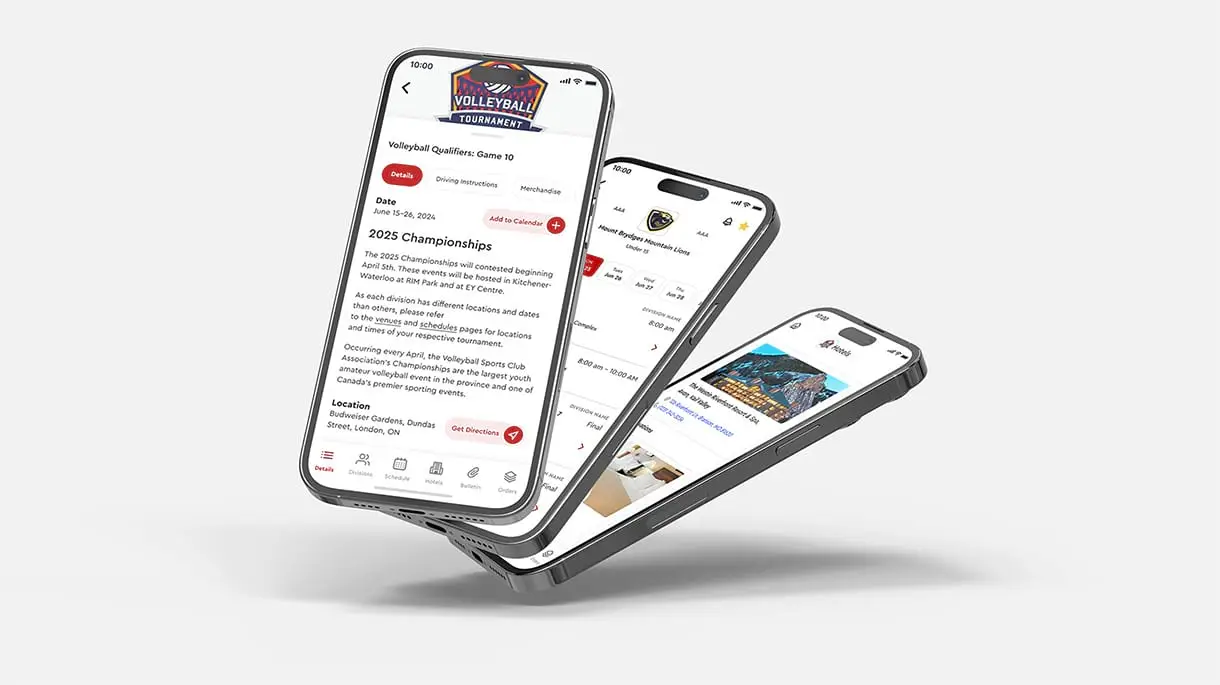
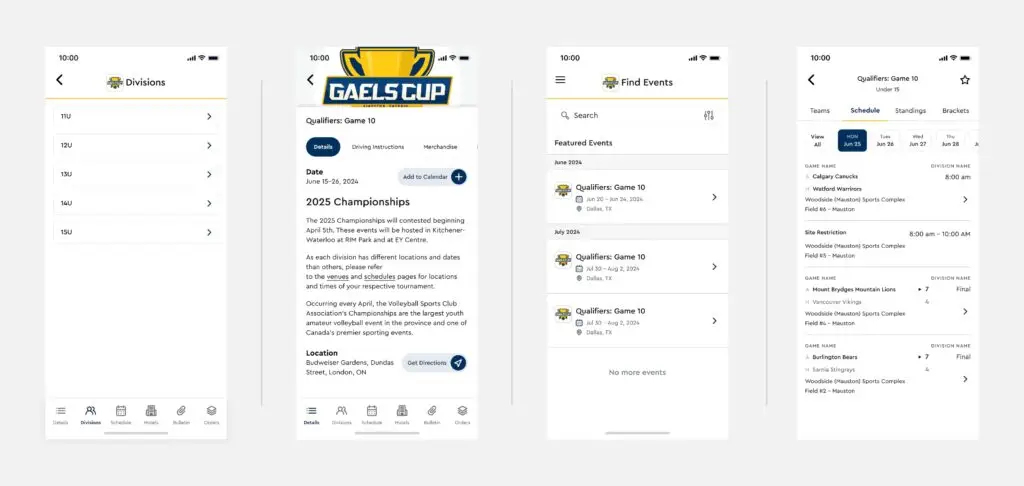
The goal was to align the app with the new design system while creating a cohesive, experience across the platform. This update focused on giving clients more control over how their brand colours appeared within the app, ensuring each experience felt recognizable without sacrificing usability. Improving page-to-page navigation was also a priority, making it easier for users to move through the app and find the events, teams, and content that mattered most to them.

Platform

Mobile (IOS & Android)

Tools

Figma

Role

Lead Product Designer

My Role

I focused on updating the app’s UI to match the new design system, creating a seamless experience for both event organizers and attendees. Throughout the process, I incorporated internal and partner feedback to improve usability, clarity, and efficiency.

Process

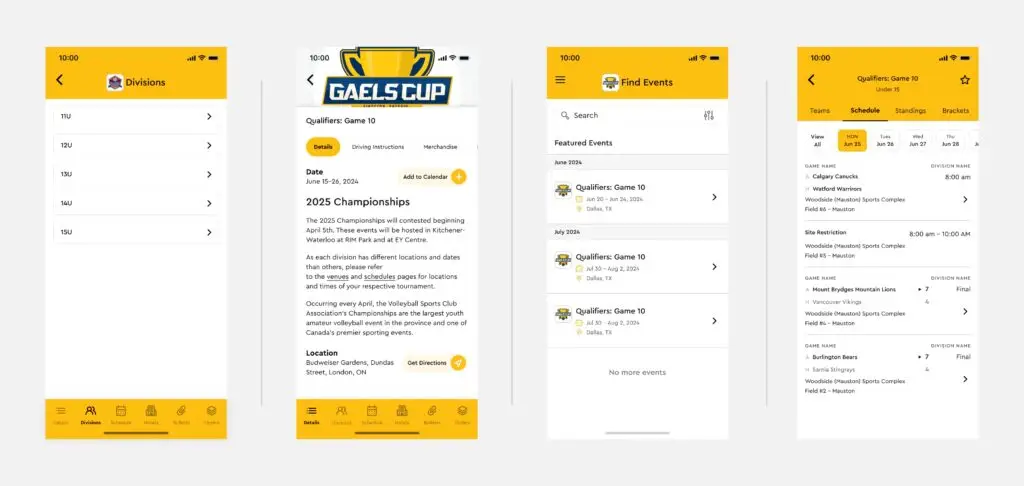
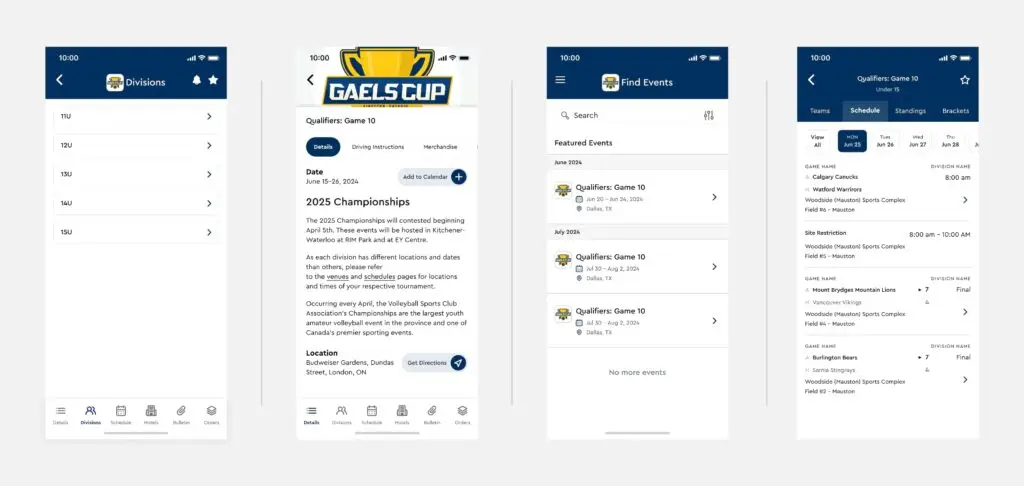
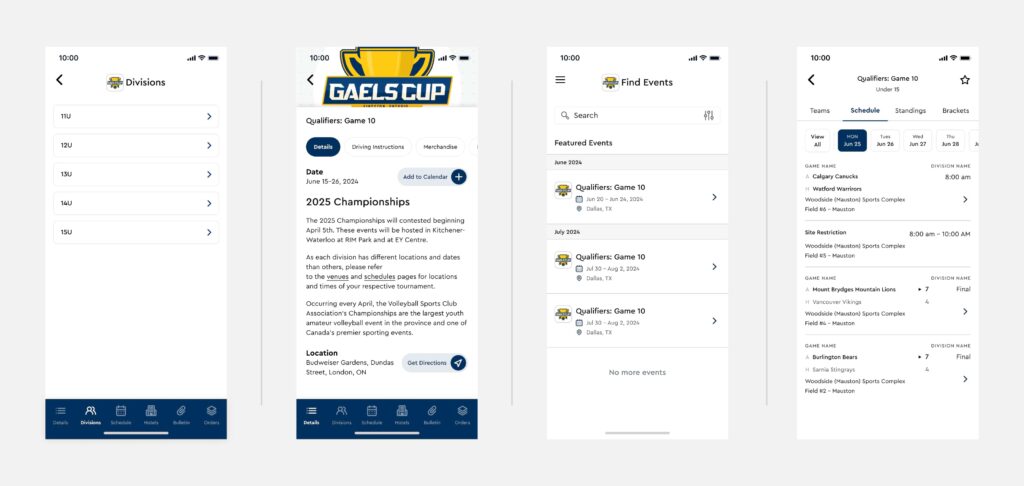
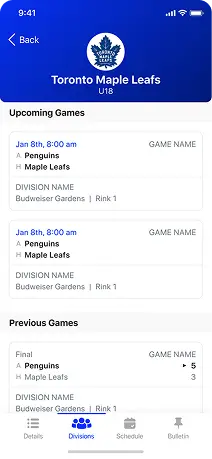
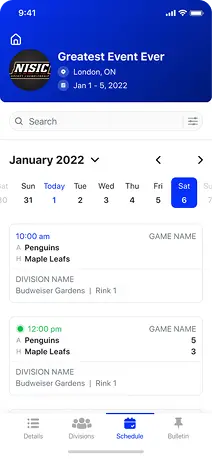
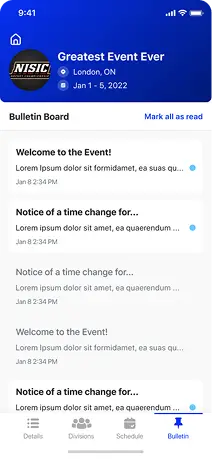
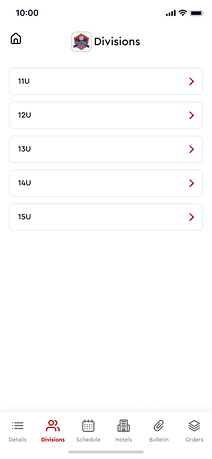
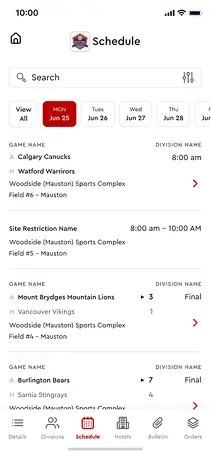
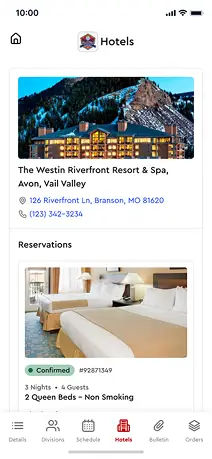
To ensure the redesign met both brand and partner needs, I explored multiple design directions early on. I created several visual options demonstrating different ways partner branding could be incorporated into the app and shared these with partners for feedback.

This helped validate direction early and allowed me to confidently move forward with the full redesign knowing client goals were being met.  Here are 3 examples of the 4 options that were sent out to 6 of the partners.

Option 1

Uses both primary and secondary brand colours.

Option 2

Uses only the primary brand colour. Text and Icons are dynamic depending on how light or dark the primary brand colour is.

Option 3

Uses the darkest brand colour as the header background.

Option 4

Uses the darkest brand colour as the bottom navigation + icons.

Before and After

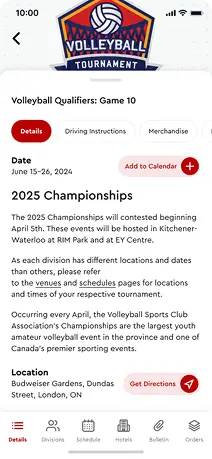
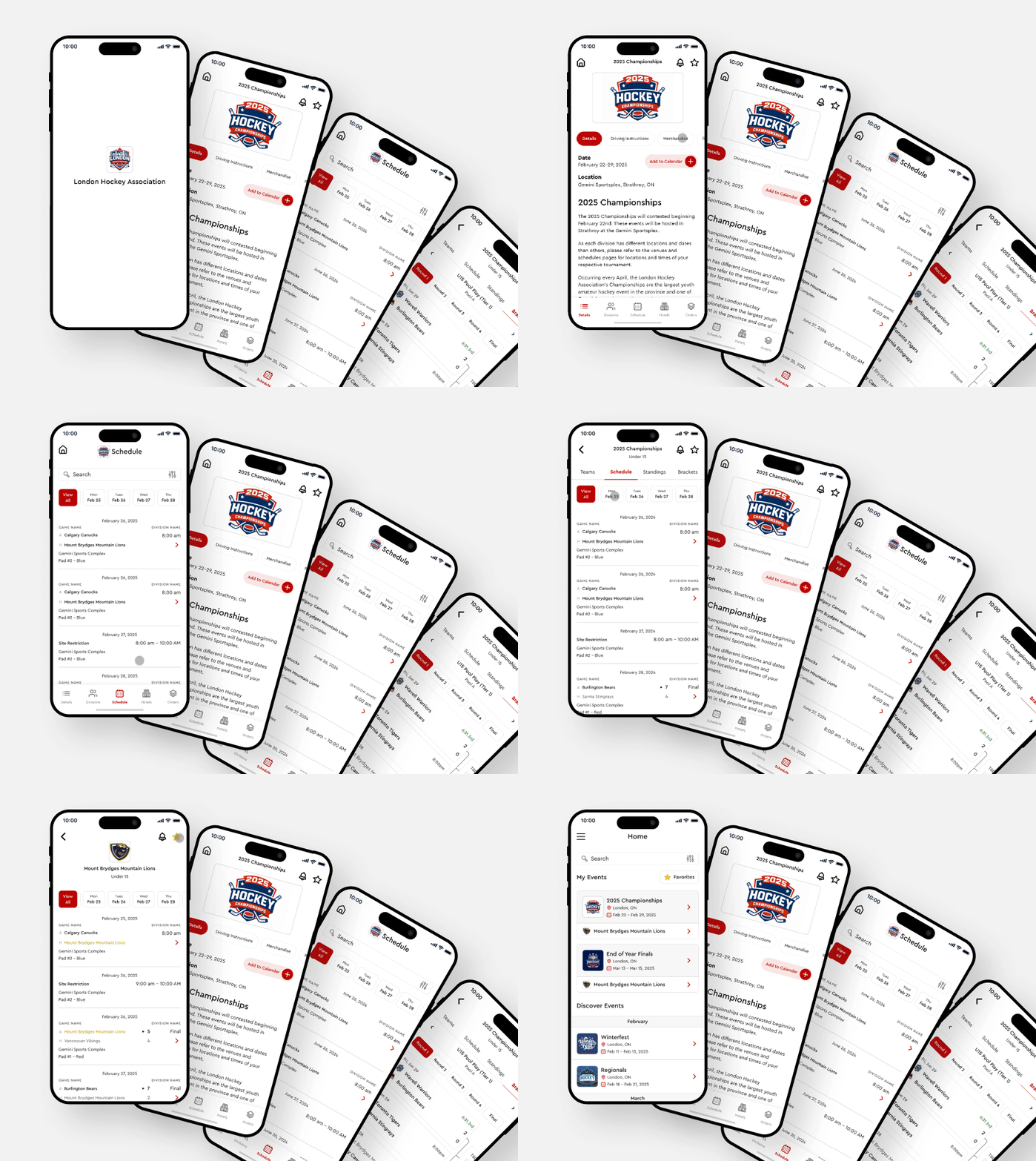
The redesign modernized the interface while maintaining familiar patterns for existing users. Improvements included:

  • Alignment with the new design system
  • A better customizable app experience for clients
  • Clearer visual hierarchy
  • More consistent components and spacing
  • Improved readability and usability across screens

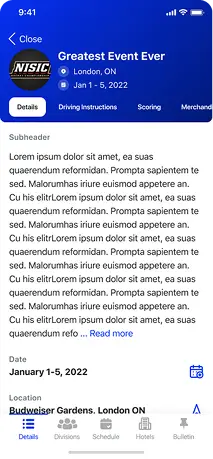
Before

After

Outcome

Redesigning the app to match not only the new design system but allowing the customizeability to match the accent colours to the associations created an easier experience, improved usability, and streamlined both design and development. The updated UI makes future updates faster and enables new features to be designed and shipped more efficiently.